Tag: invoice generator

  • The Silent Revenue Leak Killing Agencies (And How to Stop It)

    The Silent Revenue Leak Killing Agencies (And How to Stop It)

    Last month, a small marketing agency closed three new clients.
    Big wins. Big celebrations.

    But 45 days later?

    They were stressed. Cash was tight. Salaries were due. One client hadn’t paid. Another disputed hours. A third said, “We never approved that cost.”

    Revenue was earned.
    But not collected.

    This is how agencies don’t fail loudly.
    They fail quietly.

    And most of the time, the problem isn’t sales.

    It’s billing.


    The Hidden Problem No One Talks About

    Agency owners obsess over:

    • Client acquisition
    • Creative performance
    • Team productivity

    But billing?
    It’s treated like paperwork.

    Manual invoices.
    Excel sheets.
    Forgotten follow-ups.
    Scattered approvals.

    And slowly, silently, money starts slipping through the cracks.

    According to industry reports, late payments are one of the biggest cash flow killers for small businesses. Many agencies wait 30–60 days to get paid. Some never collect at all.

    That’s not just a delay.
    That’s dangerous.


    When Billing Chaos Becomes Business Risk

    Imagine this:

    You’re running a design agency.

    You complete a $5,000 project.
    You send the invoice late.
    The client asks for revisions.
    There’s confusion about billable hours.
    Payment gets delayed.

    Now multiply that by 10 clients.

    Suddenly:

    • Payroll feels stressful.
    • Growth plans slow down.
    • You hesitate to hire.
    • You lose sleep.

    Worse?

    Your competitor with smoother systems reinvests faster. Hires better talent. Runs ads. Expands.

    Billing inefficiency doesn’t just cost money.

    It costs momentum.


    The Real Cost of “We’ll Fix It Later”

    Most agencies think:

    “We’re small. We don’t need software yet.”

    But here’s the truth:

    The earlier you systemize billing,
    the easier it is to scale.

    Without proper agency billing software:

    • Time tracking becomes inaccurate
    • Retainers get miscalculated
    • Recurring invoices are forgotten
    • Tax records become messy
    • Clients question transparency

    And when clients question transparency…

    Trust drops.

    In service businesses, trust is currency.

    Lose it once and referrals disappear.


    What Smart Agencies Do Differently

    High-performing agencies treat billing as strategy, not admin.

    They use agency billing software to:

    ✅ Automate recurring invoices
    ✅ Track billable hours accurately
    ✅ Send professional invoices instantly
    ✅ Set payment reminders automatically
    ✅ Monitor unpaid invoices in real-time
    ✅ Integrate payments seamlessly

    No chasing.
    No confusion.
    No missed revenue.

    Just structure.

    And structure creates freedom.


    Real-World Shift: From Stress to Control

    A freelance media buyer managing 8 clients was manually creating invoices each month.

    It took hours.

    Sometimes she forgot.

    Sometimes clients “forgot.”

    After switching to structured billing software:

    • Invoices went out on time.
    • Payment reminders were automatic.
    • Cash flow stabilized.
    • She increased prices confidently.

    Why?

    Because systems increase perceived professionalism.

    Clients respect organized businesses.


    Why This Matters More Than Ever

    Competition is rising.

    Startups are launching daily.
    Agencies are multiplying.
    Clients have options.

    In this environment, operational efficiency is not optional.

    It’s survival.

    Agency billing software isn’t about convenience.

    It’s about:

    • Protecting revenue
    • Strengthening credibility
    • Scaling without chaos
    • Reducing mental load

    When your billing runs smoothly, your mind is free to focus on growth.


    The Turning Point

    At some stage, every agency reaches a decision:

    Continue juggling spreadsheets…

    Or build a system that supports growth.

    If you’re serious about scaling your agency, stabilizing cash flow, and eliminating billing stress, structured invoicing is no longer a luxury.

    It’s infrastructure.


    A Smarter Way Forward

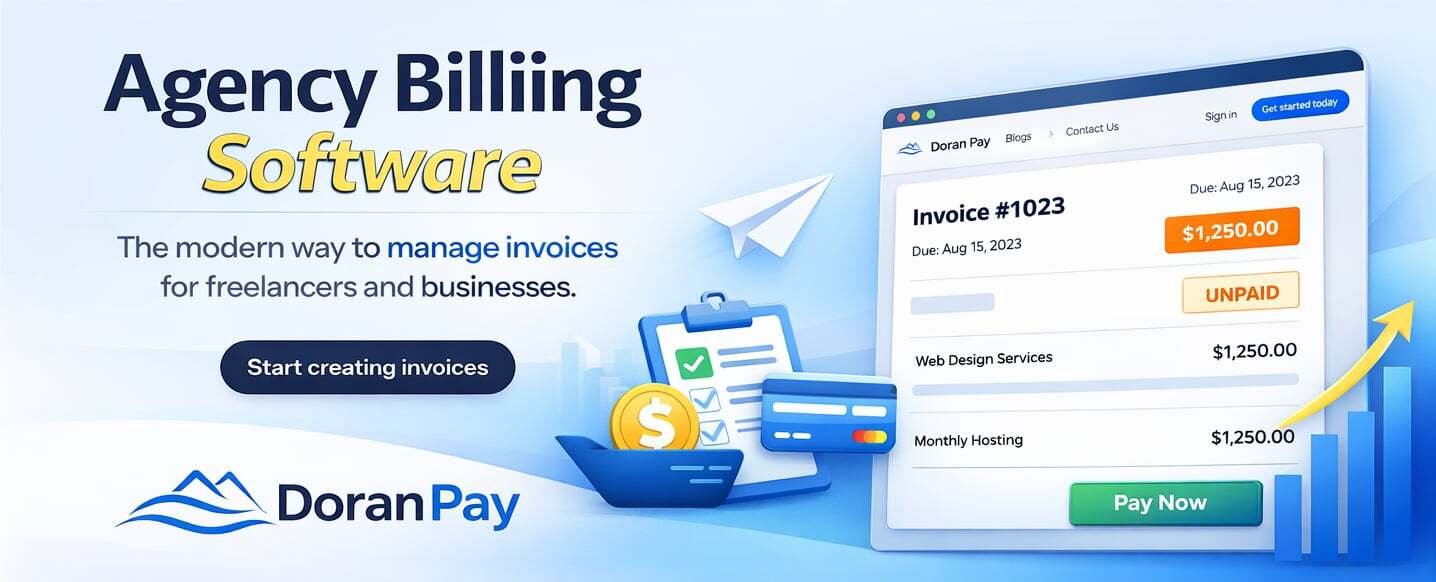
    Doran Pay was built with modern agencies and freelancers in mind.

    Simple.
    Professional.
    Efficient.

    It helps you:

    • Create and send invoices in minutes
    • Automate recurring billing
    • Track payments effortlessly
    • Maintain full visibility over cash flow

    No complexity.
    No bloated features.
    Just clarity and control.

    Because your agency deserves systems that work as hard as you do.


    If billing feels heavier than it should…

    Maybe it’s not your workload.

    Maybe it’s your system.

    And the right system changes everything.
  • How to generate invoice

    How to generate invoice

    Let’s face it—you didn’t start your business because you love paperwork. You started it to do what you’re good at, whether that’s designing logos, consulting, or selling products. But at the end of the day, if you don’t invoice, you don’t get paid.

    For many freelancers and small business owners, “generating an invoice” still means wrestling with a messy Word template or an Excel sheet that breaks every time you add a row. Not only is this frustrating, but it also looks unprofessional and can delay your payments.

    In this guide, we’ll walk you through exactly how to generate an invoice that looks great, includes all the legal essentials, and—most importantly—gets money into your bank account faster.

    What is a Professional Invoice?

    Before we click any buttons, let’s clarify what an invoice actually is. It’s not just a polite request for money; it is a legal document that records a transaction between a buyer and a seller. To be valid and effective, every invoice needs to answer three questions for your client:

    • Who is charging me?
    • What am I paying for?
    • How do I pay?

    Step-by-Step: How to Generate an Invoice

    While you can technically handwrite an invoice on a napkin, we don’t recommend it. Using a dedicated digital platform ensures accuracy and speed. Here is the standard workflow you should follow:

    1. Add Your Business Header

    Your invoice needs to look like you. Start by adding your professional branding.

    • Logo: A high-quality version of your logo builds trust.
    • Business Details: Include your legal business name, address, and contact info.

    2. Input Client Information

    Who are you billing? Accuracy here is critical. If you send an invoice to “Bob” instead of “Robert Smith, CFO of Tech Corp,” your payment might get stuck in approval limbo.

    • Full Name/Company Name
    • Billing Address
    • Email Address (for digital delivery)

    3. Assign a Unique Invoice Number & Date

    This is where Excel usually fails people. Every invoice needs a unique identifier (e.g., INV-001, INV-002). This helps both you and your client track payments for tax purposes.

    • Invoice Date: The day you send the bill.
    • Due Date: When you expect to be paid (e.g., “Due on Receipt” or “Net 30”).

    4. List Your Services (The Line Items)

    Be specific. Instead of writing “Consulting,” write “Web Development Services – 5 Hours @ $100/hr.”

    • Description: Clear details of the work.
    • Quantity/Hours: How much was sold/worked.
    • Rate/Price: The cost per unit.

    5. Calculate Totals and Taxes

    If you are using manual templates, double-check your math. A calculation error can look unprofessional. If you are using a tool like Doran Pay, this math (including tax percentages) is handled automatically for you.

    6. Add Payment Terms and Notes

    Don’t make your client guess how to pay you.

    • Payment Methods: “Bank Transfer,” “Credit Card,” or “PayPal.”
    • Terms: Mention late fees if applicable.
    • Personal Note: A simple “Thanks for your business!” goes a long way.

    The Smart Way to Generate Invoices: Why Use Doran Pay?

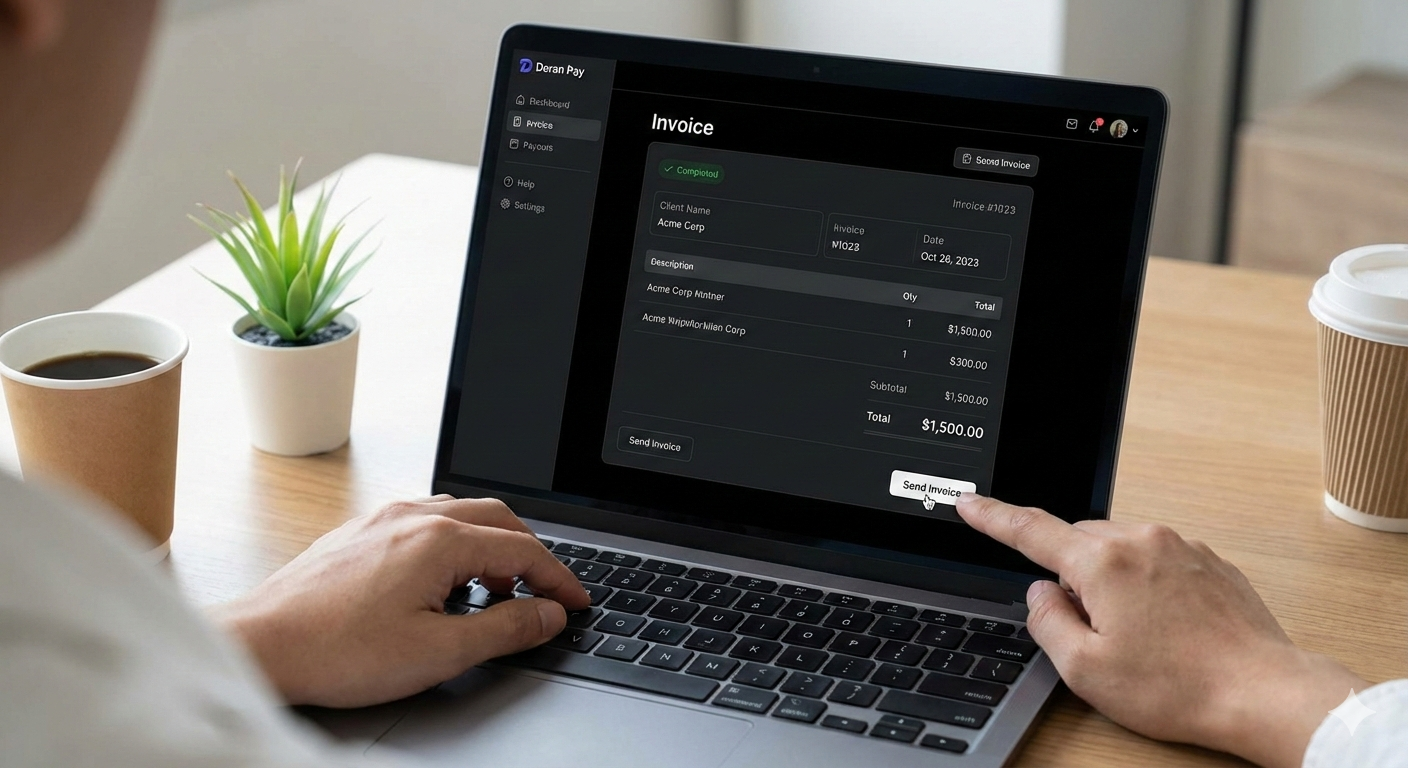
    You could do all the steps above manually every time. Or, you could do it in about 30 seconds with Doran Pay.

    We built Doran Pay because we know that time spent on billing is time lost on earning. Here is how our professional invoice management platform upgrades your workflow:

    • Create & Send in Clicks: Forget formatting cells. Just plug in your details, and our system generates a beautiful, branded invoice instantly.
    • Integrated Payment Processing: Don’t just ask for a check. Let clients pay you immediately via credit card or digital transfer directly from the invoice.
    • Automatic Tracking: Stop wondering “Did they see my email?” Track when invoices are viewed and paid.
    • Reminders: We handle the awkward “You haven’t paid me yet” emails with automated reminders.

    Ready to Get Paid?

    Stop fighting with spreadsheets. Generate your first professional invoice today with Doran Pay and experience the difference a dedicated tool makes.

    [Sign Up for Free at DoranPay.com]

  • Best 5 Free Invoice Generator for Freelancers and Small Businesses

    Best 5 Free Invoice Generator for Freelancers and Small Businesses

    In the fast-paced world of freelancing and small business management, time is your most valuable currency. You shouldn’t have to spend hours wrestling with spreadsheets just to get paid. Using an online invoice generator can transform your billing process from a chore into a professional, automated workflow.

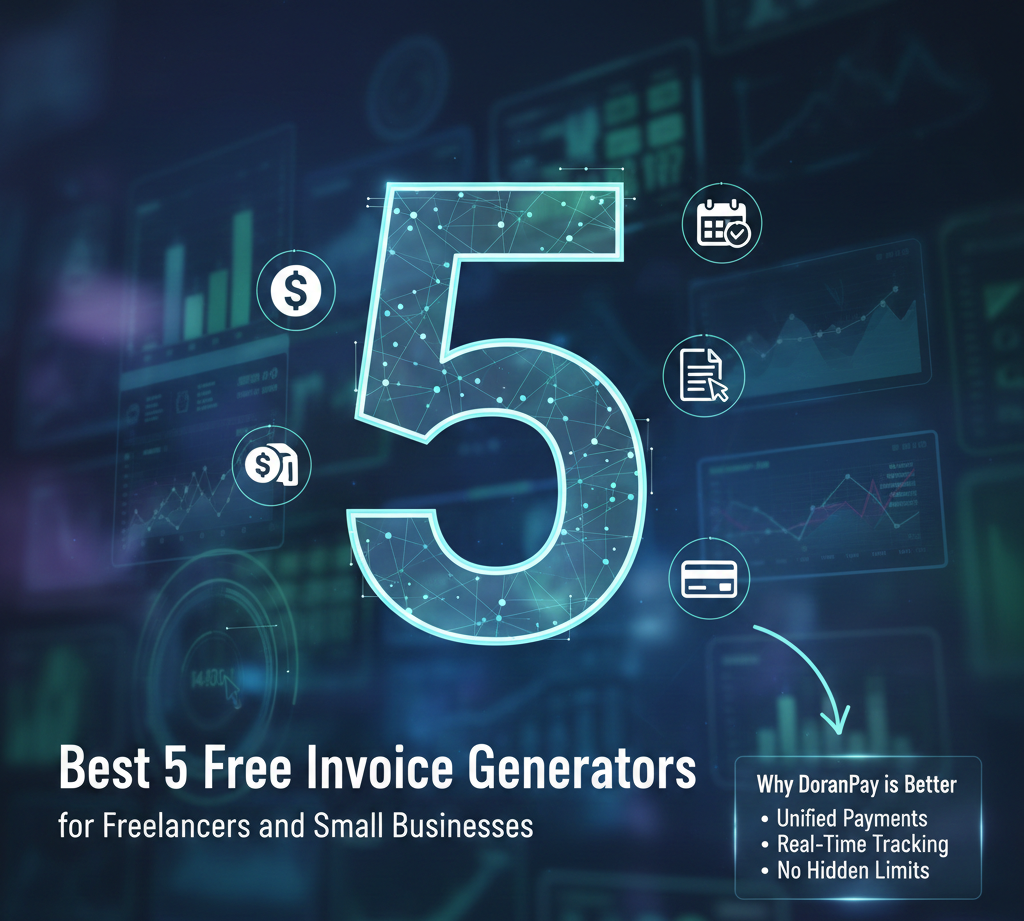
    Below, we’ve rounded up the best 5 free invoice generators for 2025 and why DoranPay is the ultimate choice to take your business to the next level.


    Best 5 Free Invoice Generators for 2025

    1. Zoho Invoice

    Zoho is a powerhouse for small businesses. Their invoicing tool is 100% free and includes high-end features like a client portal and time tracking.

    • Pros: Completely free for small teams, supports multi-currency, and includes automated payment reminders.
    • Cons: Can be slightly overwhelming for absolute beginners due to its extensive feature set.

    2. Wave Invoicing

    Wave is a favorite for those who want a full accounting suite without the price tag.

    • Pros: Unlimited invoices and clients; syncs directly with your bank account for easy bookkeeping.
    • Cons: Customer support is limited for free users, and it can feel “heavy” if you only need a simple invoice.

    3. Invoice-Generator.com (by Invoiced)

    This is the “no-frills” king. You don’t even need to create an account to send a professional PDF.

    • Pros: Extremely fast, no signup required, and simple “fill-in-the-blank” interface.
    • Cons: No record-keeping. Once you close the tab, your data is gone unless you save the PDF.

    4. PayPal Invoicing

    If you already use PayPal for payments, their built-in generator is a seamless choice.

    • Pros: Trusted by clients worldwide; payments are integrated directly into the invoice.
    • Cons: High transaction fees for card payments and limited customization for branding.

    5. Canva

    For the design-conscious freelancer, Canva offers beautiful, highly aesthetic templates.

    • Pros: Stunning visual designs that make your brand look premium.
    • Cons: Purely a design tool—it lacks “smart” features like tax calculations, payment buttons, or tracking.

    Why DoranPay is Better Than the Rest

    While the tools above are great for basic needs, DoranPay was built specifically to bridge the gap between “simple invoicing” and “powerful business growth.” Here is why we stand out:

    1. Unified Payment Ecosystem

    Most free generators force you to connect a third-party processor (like Stripe or PayPal) which adds another layer of fees and complexity. DoranPay integrates the billing and the payment into one seamless experience, ensuring you get your money faster with fewer “middlemen.”

    2. Real-Time Tracking & Transparency

    With many free tools, you send an invoice and “hope” it was seen. DoranPay provides detailed analytics. You’ll know exactly when a client opens your invoice, helping you time your follow-ups perfectly.

    3. No “Hidden” Limits

    Many “free” plans (like Zoho or Invoice Ninja) limit the number of clients or invoices you can have. At DoranPay, we believe your growth shouldn’t be penalized. We offer a scalable platform that stays affordable as you win more clients.

    4. Professionalism Without the Effort

    We combine the design flexibility of Canva with the automation of Zoho. Our templates are not just “pretty”; they are optimized for conversion, featuring prominent “Pay Now” buttons that reduce the friction between the invoice and your bank account.


    Comparison at a Glance

    FeatureOther Free GeneratorsDoranPay
    Setup SpeedFast, but often requires account syncInstant & intuitive
    CustomizationOften limited in free tiersFull brand control
    Record KeepingHit or missSecure, cloud-based history
    Payment FeesVarying third-party feesCompetitive & Transparent

    Pro Tip: “Free” often comes with a hidden cost—your time. Choosing a platform that automates the “chase” (reminders) and the “record” (bookkeeping) saves you hours every month.


    Ready to simplify your billing?

    Stop chasing payments and start growing your business. Would you like me to help you draft your first professional invoice template for DoranPay?