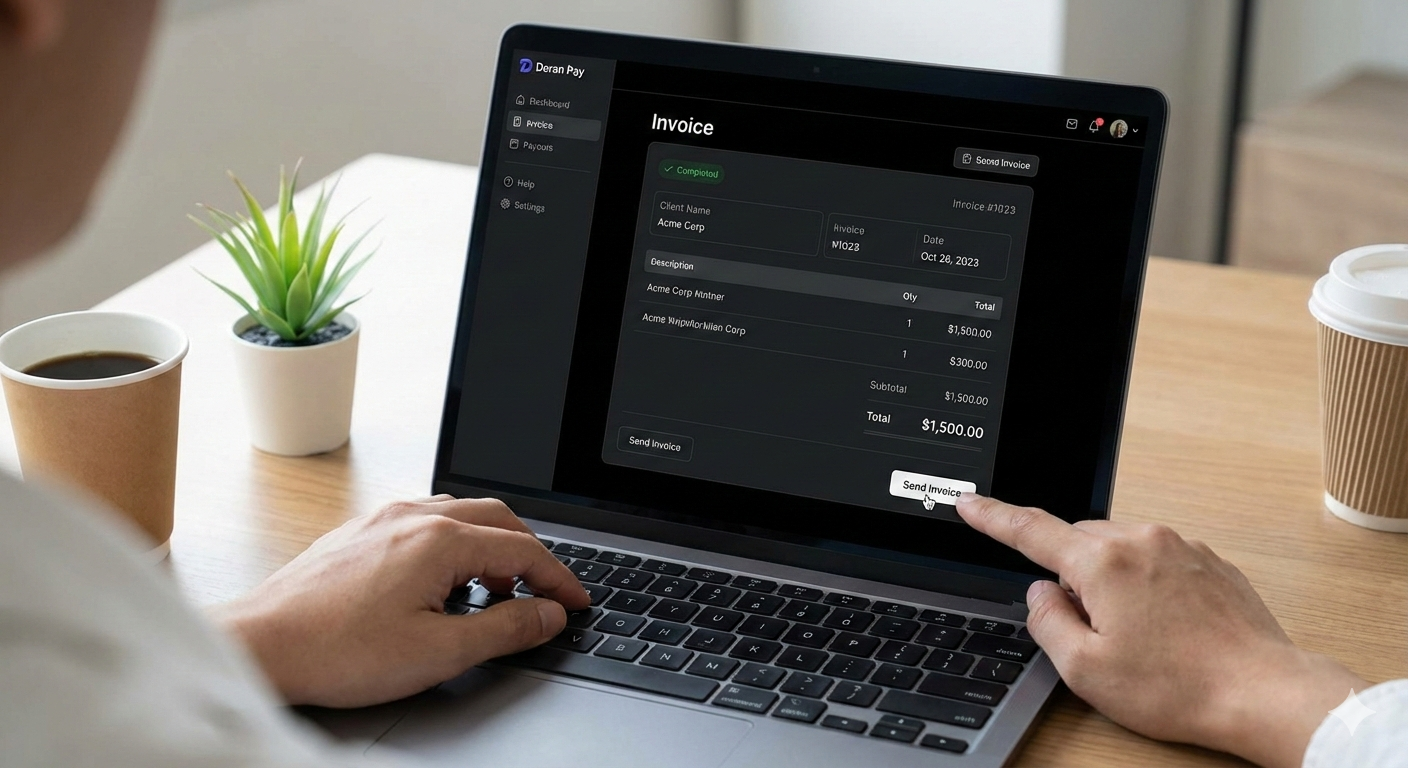
Let’s face it—you didn’t start your business because you love paperwork. You started it to do what you’re good at, whether that’s designing logos, consulting, or selling products. But at the end of the day, if you don’t invoice, you don’t get paid.
For many freelancers and small business owners, “generating an invoice” still means wrestling with a messy Word template or an Excel sheet that breaks every time you add a row. Not only is this frustrating, but it also looks unprofessional and can delay your payments.
In this guide, we’ll walk you through exactly how to generate an invoice that looks great, includes all the legal essentials, and—most importantly—gets money into your bank account faster.
What is a Professional Invoice?
Before we click any buttons, let’s clarify what an invoice actually is. It’s not just a polite request for money; it is a legal document that records a transaction between a buyer and a seller. To be valid and effective, every invoice needs to answer three questions for your client:
- Who is charging me?
- What am I paying for?
- How do I pay?
Step-by-Step: How to Generate an Invoice
While you can technically handwrite an invoice on a napkin, we don’t recommend it. Using a dedicated digital platform ensures accuracy and speed. Here is the standard workflow you should follow:
1. Add Your Business Header
Your invoice needs to look like you. Start by adding your professional branding.
- Logo: A high-quality version of your logo builds trust.
- Business Details: Include your legal business name, address, and contact info.
2. Input Client Information
Who are you billing? Accuracy here is critical. If you send an invoice to “Bob” instead of “Robert Smith, CFO of Tech Corp,” your payment might get stuck in approval limbo.
- Full Name/Company Name
- Billing Address
- Email Address (for digital delivery)
3. Assign a Unique Invoice Number & Date
This is where Excel usually fails people. Every invoice needs a unique identifier (e.g., INV-001, INV-002). This helps both you and your client track payments for tax purposes.
- Invoice Date: The day you send the bill.
- Due Date: When you expect to be paid (e.g., “Due on Receipt” or “Net 30”).
4. List Your Services (The Line Items)
Be specific. Instead of writing “Consulting,” write “Web Development Services – 5 Hours @ $100/hr.”
- Description: Clear details of the work.
- Quantity/Hours: How much was sold/worked.
- Rate/Price: The cost per unit.
5. Calculate Totals and Taxes
If you are using manual templates, double-check your math. A calculation error can look unprofessional. If you are using a tool like Doran Pay, this math (including tax percentages) is handled automatically for you.
6. Add Payment Terms and Notes
Don’t make your client guess how to pay you.
- Payment Methods: “Bank Transfer,” “Credit Card,” or “PayPal.”
- Terms: Mention late fees if applicable.
- Personal Note: A simple “Thanks for your business!” goes a long way.
The Smart Way to Generate Invoices: Why Use Doran Pay?
You could do all the steps above manually every time. Or, you could do it in about 30 seconds with Doran Pay.
We built Doran Pay because we know that time spent on billing is time lost on earning. Here is how our professional invoice management platform upgrades your workflow:
- Create & Send in Clicks: Forget formatting cells. Just plug in your details, and our system generates a beautiful, branded invoice instantly.
- Integrated Payment Processing: Don’t just ask for a check. Let clients pay you immediately via credit card or digital transfer directly from the invoice.
- Automatic Tracking: Stop wondering “Did they see my email?” Track when invoices are viewed and paid.
- Reminders: We handle the awkward “You haven’t paid me yet” emails with automated reminders.
Ready to Get Paid?
Stop fighting with spreadsheets. Generate your first professional invoice today with Doran Pay and experience the difference a dedicated tool makes.
[Sign Up for Free at DoranPay.com]